
Turn product photos into ad images and videos
Turn Shopify product photos into Facebook and Instagram ads with studio backgrounds, AI photoshoots, discount badges, seasonal frames and AI video.
Updated November 14, 2026 3 min readBy the Simple Ads team
Most product photos are made for the store page: a plain background, the product in the middle. In the feed, that photo competes with everything else. AI Studio turns it into an ad image or video, right inside Simple Ads, from the photo already in your Shopify store.
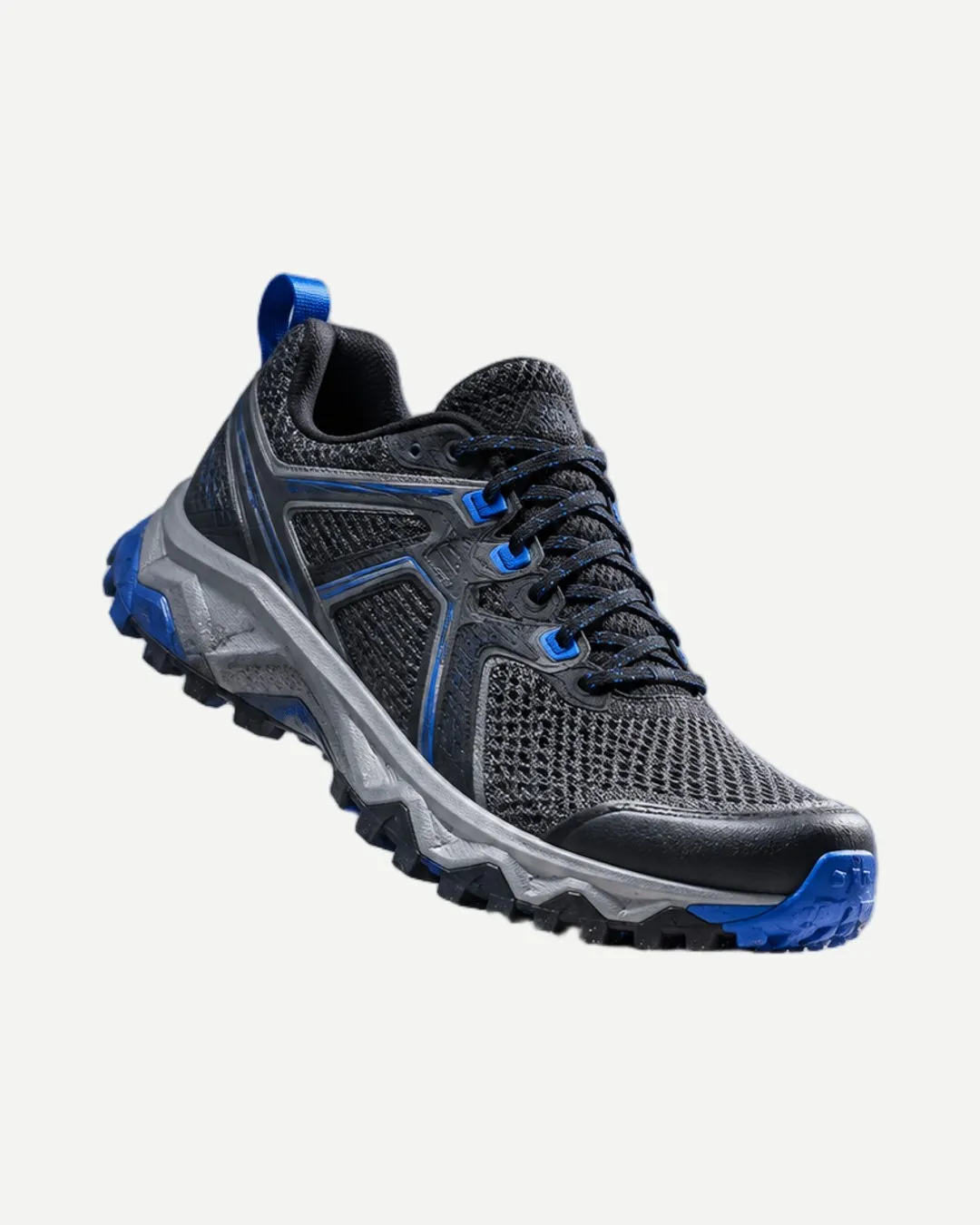
Made in AI Studio
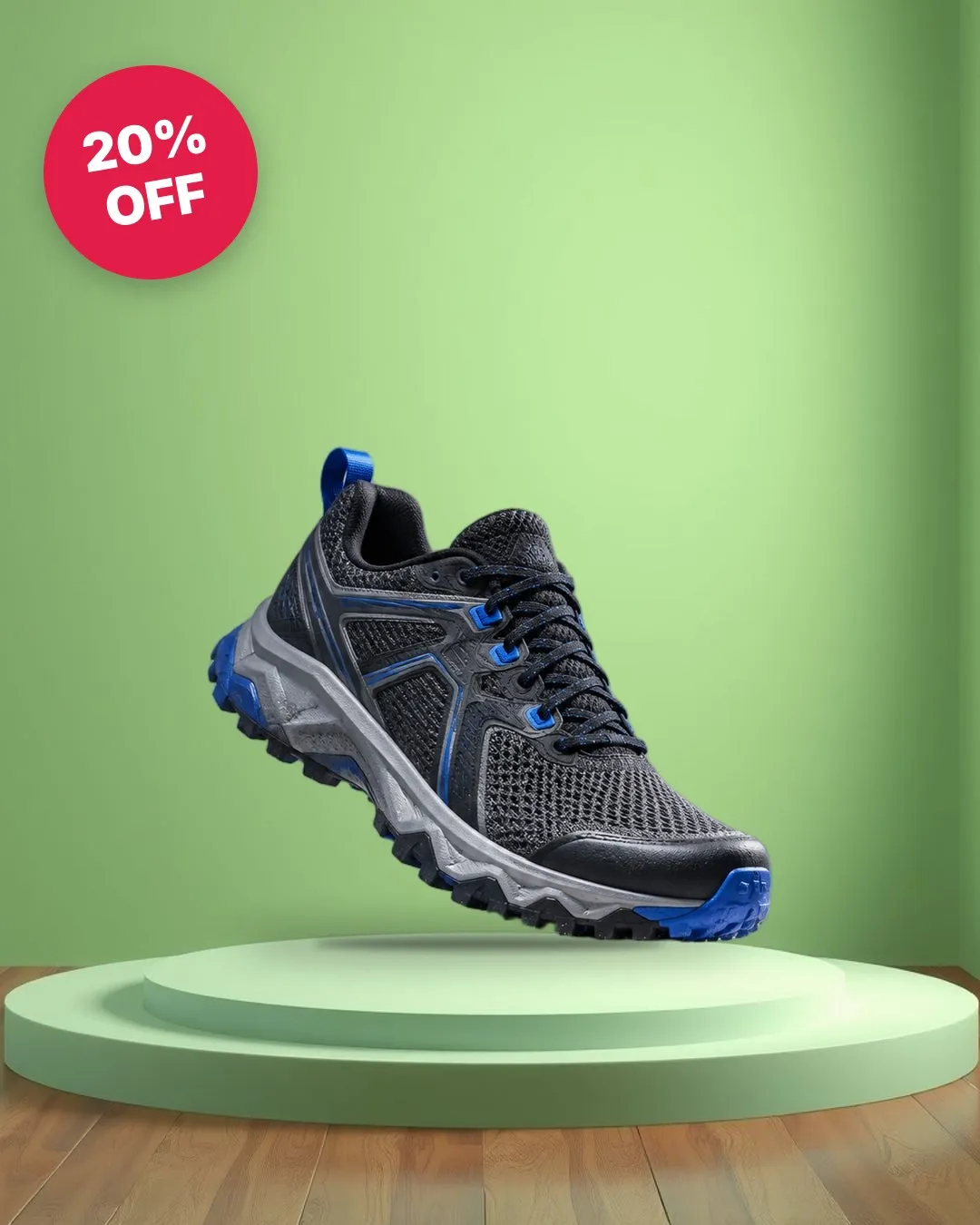
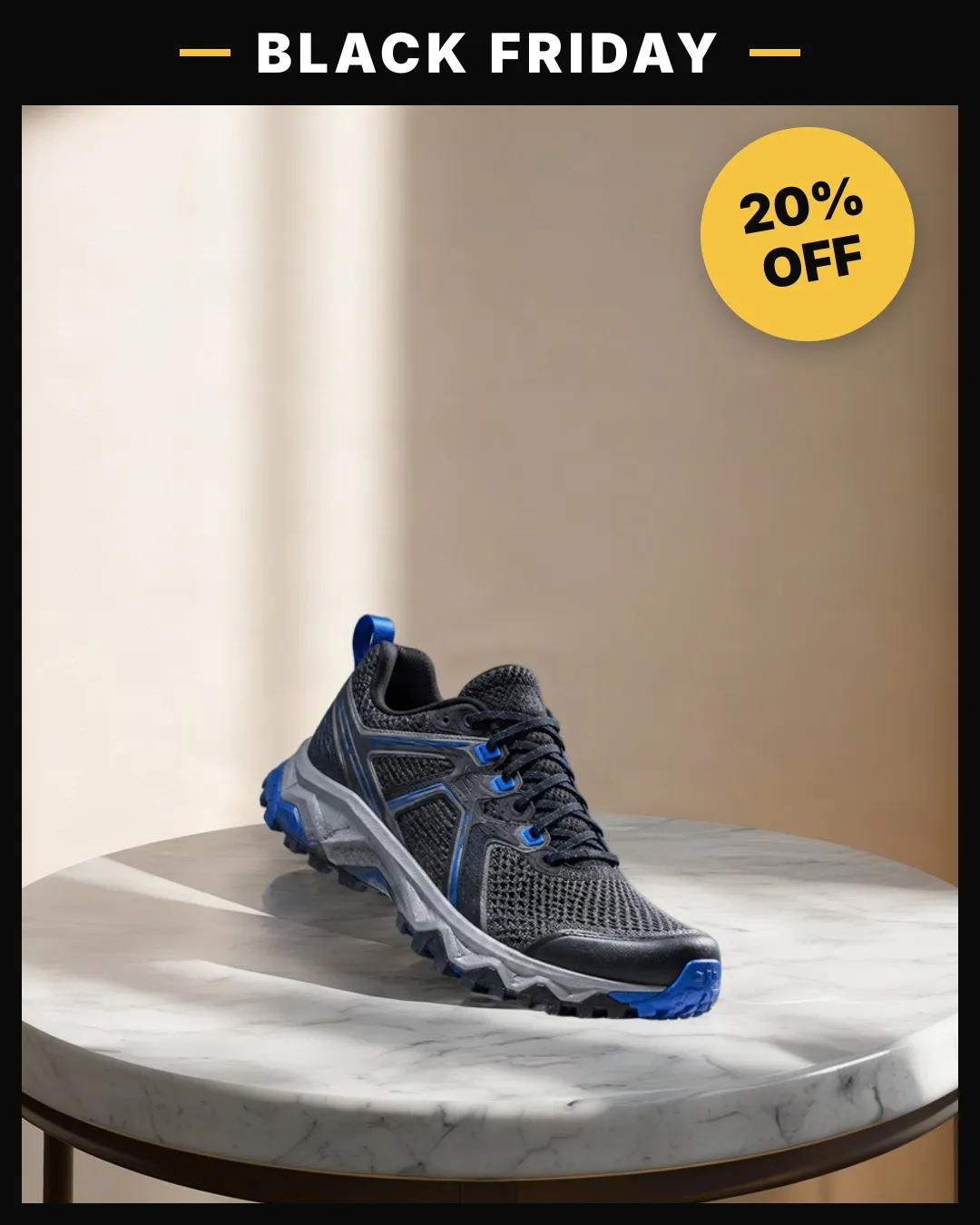
Every result above is real AI Studio output on our fictional Aurora demo shoe.
What it makes
AI Studio works one tool at a time, and you can use another tool on the result afterwards.
| Tool | What you get | Cost |
|---|---|---|
| Studio backgrounds | Your product on a ready-made studio set. | 1 credit per photo* |
| Generate background | A scene you describe, with your product placed in it. | 1 credit, plus 1 per photo* |
| AI photoshoot | A realistic scene built around your product, with matching light and shadows. | 5 credits per variation |
| Badges | Discount, price, New, Free shipping, Best seller or Limited stock. | Free |
| Frames | 43 frames for Black Friday, Cyber Monday, Ramadan, the holidays, sales and more. | Free |
| Camera motion | A 6-second zoom or pan over your image, ready in seconds. | Free |
| AI video | Real movement, such as a camera push, light or smoke, in 1 to 3 minutes. | 50 credits (5 s) or 100 (10 s) |
*The credit per photo pays for cutting the product out of the photo, and you pay it only once for each photo.
How it works
Open AI Studio
On the AI creative step of any strategy or campaign, click Open AI Studio on the ad image. You can also open AI Studio from the menu.
Pick a tool
Choose AI image, AI video or Badges & frames, then a style. Before anything that costs credits, AI Studio shows the price.
Use it in your ad
The result replaces the ad image, and the phone preview updates straight away. Everything you make is saved to Your library, ready for your next ad.
Badges and frames that stay honest
- The discount is worked out from the product’s compare-at price in Shopify, so the percentage on the ad matches your store.
- Claims like Free shipping or Limited stock are promises to shoppers. Simple Ads asks you to confirm they’re true before it adds them.
- Frames that carry words, like a sale banner, take your own text. Drawn frames take your own colour.
Catalog ads: one design on every product
On a catalog ad, click Edit all products to put one badge and frame design on every product. Each product keeps its own photo and price, and the design is applied when you launch, up to 250 products. Discount badges only appear on products that are on sale, and a product with its own AI Studio design keeps it.
Credits
Each plan includes monthly AI credits: 150 on Basic, 400 on Pro and 30 during the free trial. They reset every billing month. Need more? Buy a pack in Settings → AI credits: credits you buy never expire. Our help article on how AI credits work has the details.
Frequently asked questions
Do I need design skills or other tools?
No. AI Studio works from the product photos already in your Shopify store. Pick a tool, pick a style, and the result goes straight into your ad and your library.
What does AI Studio cost?
Badges, frames, camera-motion videos and your original photo are free. A studio background costs 1 credit per photo, an AI photoshoot 5 credits, and an AI video 50 credits for 5 seconds or 100 for 10. Basic includes 150 AI credits a month, Pro 400, and the free trial 30. Packs of 100, 500 or 1,200 credits cost $5, $20 or $40, billed through Shopify.
Can I use it on a catalog ad?
Yes. Give single products their own AI Studio image, or use Edit all products to put one badge and frame design on every product in the ad, up to 250 products.
Which languages do badges and frames come in?
English, Spanish, French, Portuguese, German, Italian and Dutch. The ad language is separate from the app's language.
What happens if the AI fails?
You see why, and the credits are refunded automatically. Try another photo or scene.
Launch your first campaign in minutes
Pick a proven strategy and Simple Ads builds the audiences, the ad copy and the campaign in your own Meta ad account. 7-day free trial.
Start free trialKeep reading
- Help centerMake ad images and videos with AI StudioTurn a product photo into a scroll-stopping ad image or video, with new backgrounds, AI photoshoots, motion, badges and frames.
- Help centerAdd badges and frames to your productsPut discounts, prices and claims on your ad images, and apply one design to every product in a catalog ad at once.
- FeatureFacebook catalog ads for ShopifyLaunch Facebook and Instagram catalog ads from your Shopify products. Meta shows each shopper the products they're most likely to buy.